Native & cross-platform development
Building desktop interfaces and application functionality for Windows, macOS and Linux using native or shared technologies.
Desktop applications for macOS, Windows and Linux, engineered to stay stable, responsive and precise.
Desktop applications are engineered around the operating systems, data and devices they need to work with. We bring together the interface, core functionality and platform integration so the software fits the workflows it needs to support.
Deployment, security, updates and ongoing support are planned alongside the application from the start. This gives organisations software they can rely on every day and a controlled path for future requirements and platform changes.
Building desktop interfaces and application functionality for Windows, macOS and Linux using native or shared technologies.
Integrating applications with operating-system capabilities, other software and services, instruments and peripheral devices.
Working with files, local databases, synchronisation and demanding processing, including software that must operate offline.
Engineering secure, responsive and reliable applications, with accessibility and documentation for regulated environments where required.
Preparing signed applications for installation and distribution, including licensing, managed deployment and update delivery.
Maintaining compatibility, improving existing applications and moving established software to newer technologies or operating systems.
Native and cross-platform options are assessed against the required workflows, target platforms and expected life of the software. The chosen approach balances access to platform features, consistency across systems and long-term maintenance.
Hardware, protocols and connected software are included early in development. Their behaviour and supported configurations are checked and documented as each integration is built.
Representative data, processing tasks and periods of operation are used to measure responsiveness, stability and resource use. Long-running work is assessed under the conditions in which the application will operate.
Authentication, local storage, network communication and operating-system permissions are handled according to the organisation’s security requirements. Those requirements guide architecture, implementation, testing and maintenance.
Code signing, installation, configuration, updates and data migration are planned around the distribution method. Compatibility with supported operating-system versions and dependencies is reviewed as the application changes.
A selection of tools we use, chosen to fit the work and existing systems.
Native
Cross-platform
Data
Delivery
Yes. We choose a native or cross-platform approach according to the operating systems, workflows and integrations the application needs. Support for each platform and version is defined in the scope.
Yes. We assess the application, its dependencies, data and deployment process to determine what can be improved in place. Modernisation can be staged so essential workflows remain available while changes are introduced.
Yes. We work with operating-system services, peripherals, instruments, files and connected systems. Access to representative hardware and software helps us verify behaviour under the conditions in which the application will be used.
Yes, where the product requires it. We define what must remain available without a connection, where data is stored and how changes are synchronised when connectivity returns.
The distribution method is chosen for its users and operating environment. We plan installation, signing, configuration, updates and data migration together, including controlled deployment where an organisation manages its own devices.
A few engagements we’re proud of. Shipped, scaled, and still in production.
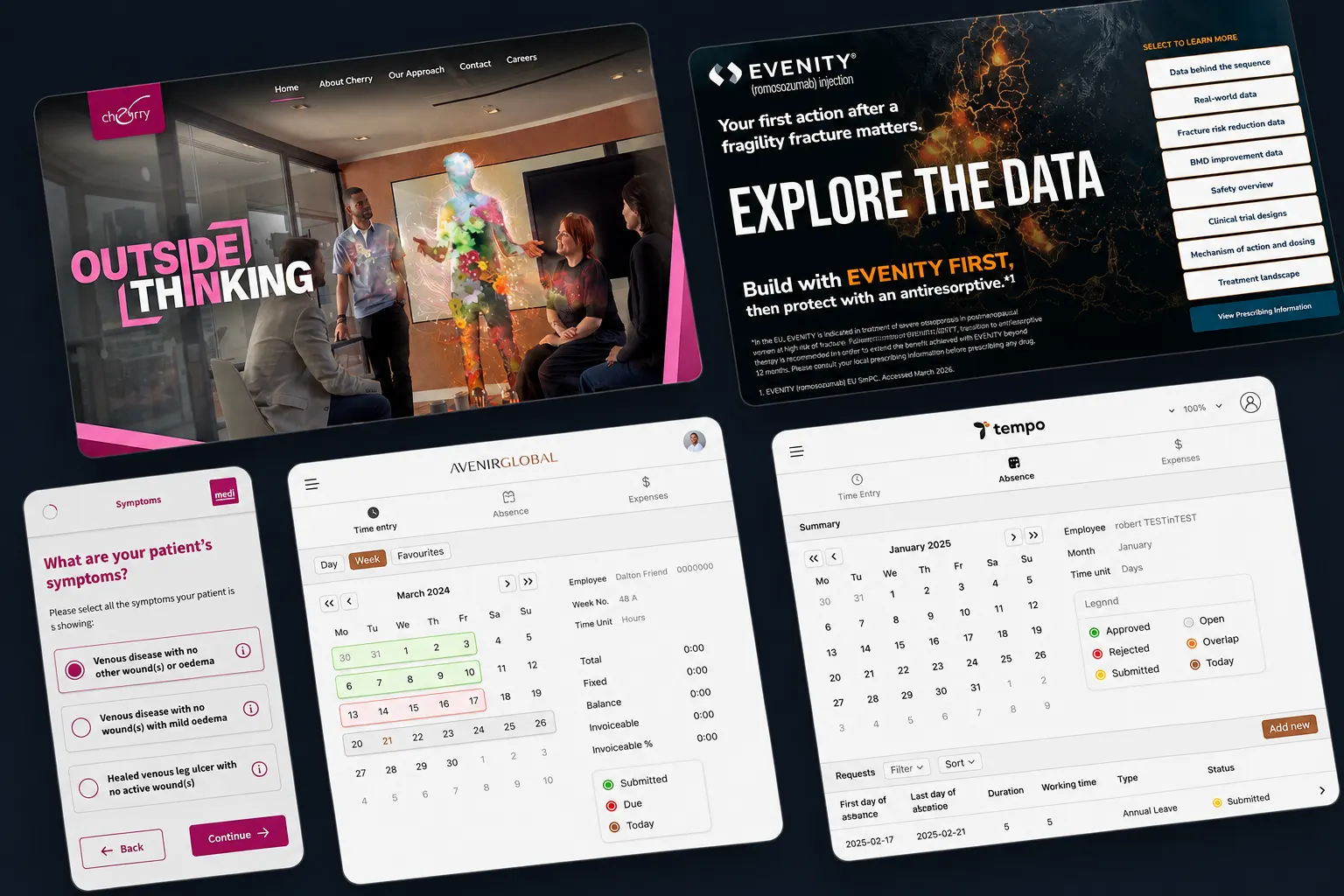
Desktop applications and AI for a communications group
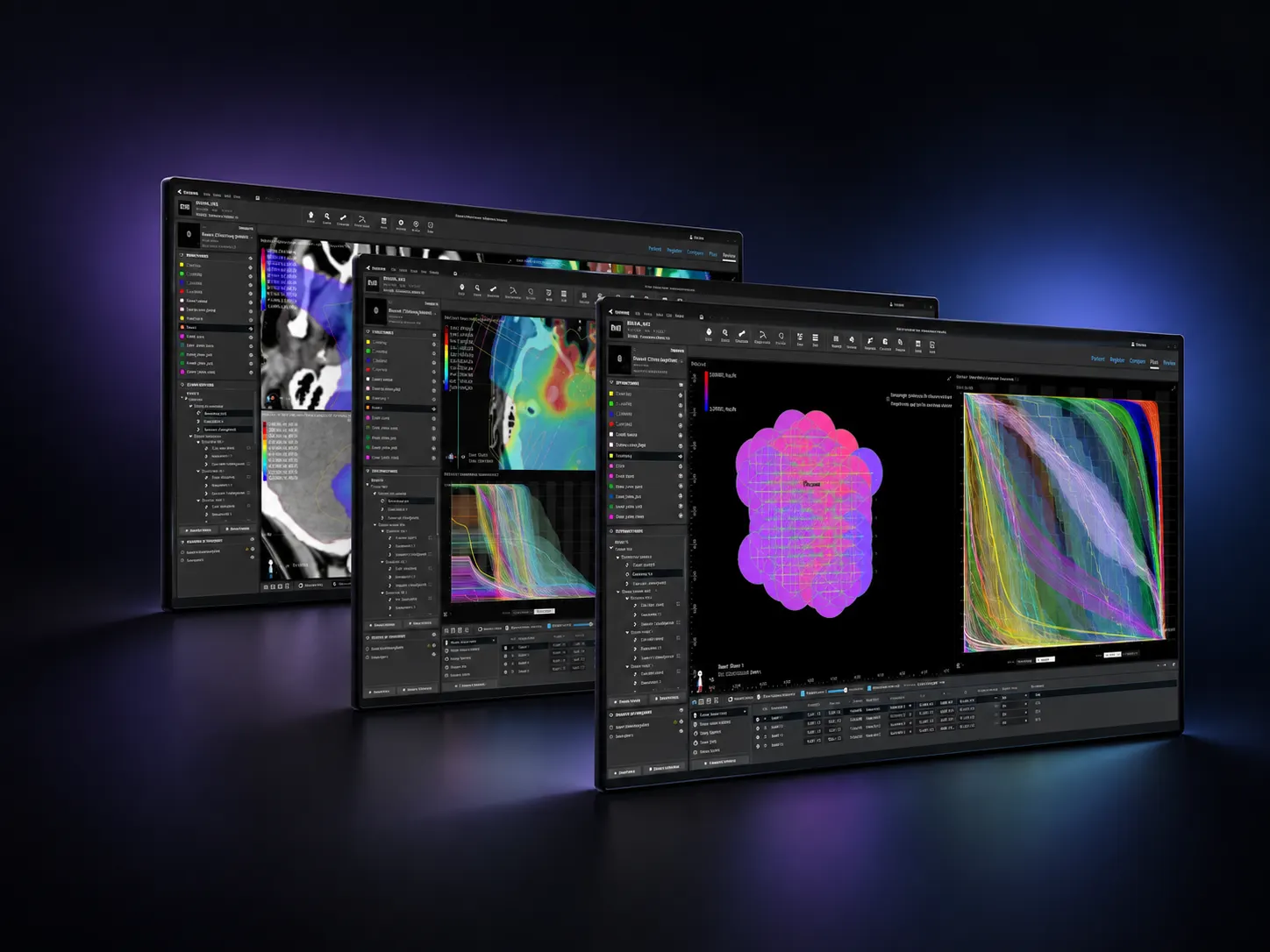
Application development for particle therapy treatment planning
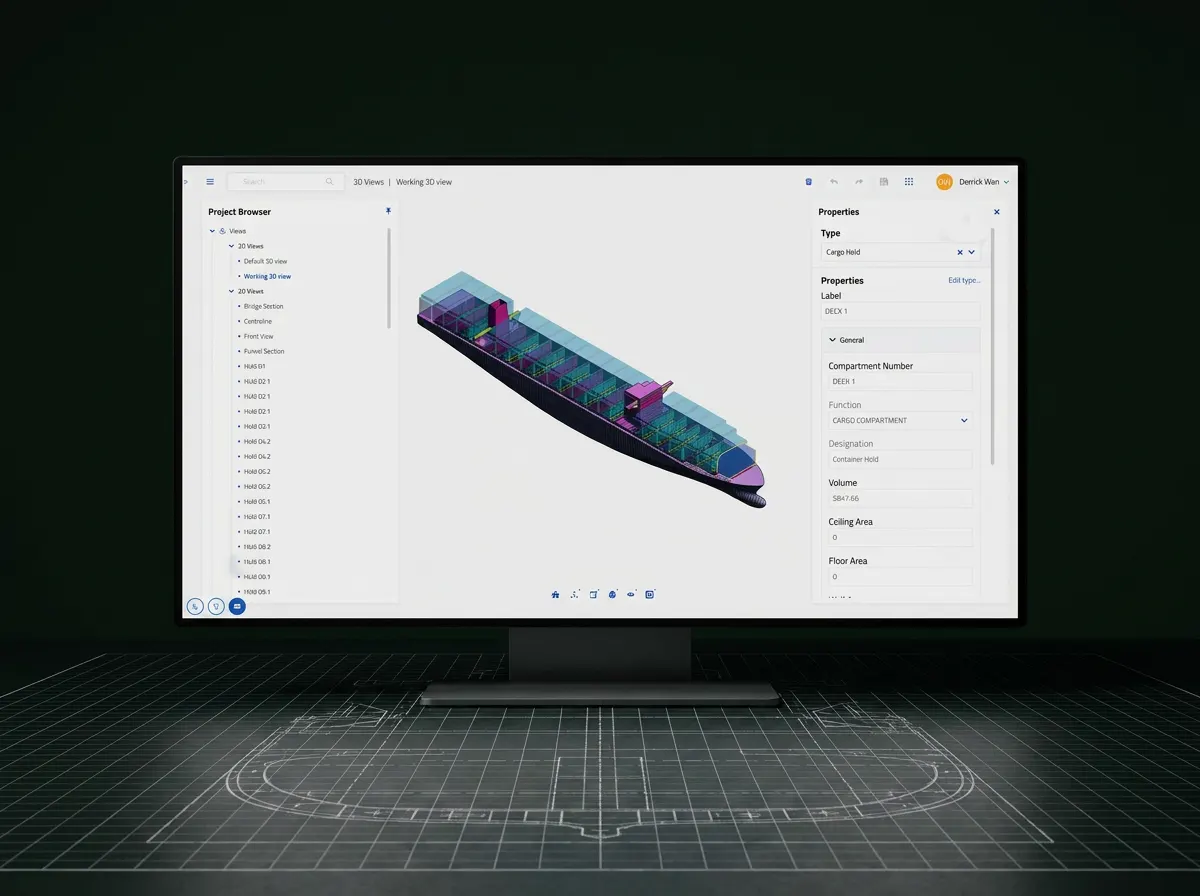
Engineering software for ship design and visualisation
The complex, the critical, the bold. We’ll tell you how we’d ship it.